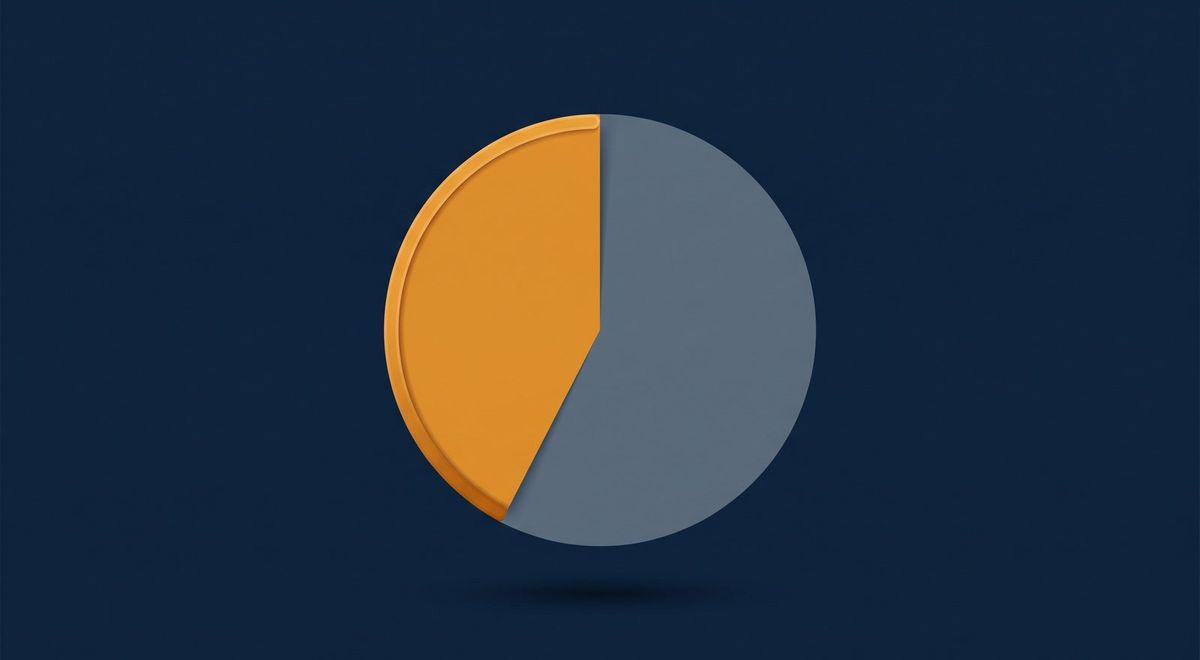
43% of Mobile Sites Pass Google's Speed Test. Here's How to Know If Yours Does.
Fifty-seven percent of mobile websites are failing Google’s current speed test right now.
That is not a vendor estimate or a scare figure. It comes from the HTTP Archive Web Almanac 2024, which analyzed real-user data from 16.9 million websites collected in June 2024 and published in November 2024. The methodology uses Chrome UX Report (CrUX) field data, the same dataset Google uses to evaluate your site for its ranking systems. Only 43% of mobile origins pass all three Core Web Vitals when measured this way.
If you have never specifically run this check on your own site, the statistical odds are not in your favor.
What Changed, and Why the Bar Got Harder
Until March 12, 2024, Google measured interactivity using a metric called FID, or First Input Delay. Under that test, 48% of mobile sites passed all three Core Web Vitals. That was already a minority.
Then Google replaced FID with INP: Interaction to Next Paint. The same sites. A harder test. The pass rate dropped to 43%.
FID only measured the delay before your browser began processing the very first click or tap a visitor made on a page. It was a narrow window. INP measures the worst interaction delay across the entire session, every click, every form field, every button, from the moment the page loads until the visitor leaves. It is a materially more demanding standard, and many sites that looked fine under FID now fail under INP without a single line of code having changed.
The Three Metrics Google Is Actually Grading
Google’s Core Web Vitals consist of three distinct measurements, each with a specific threshold. To pass, your site must meet all three at the 75th percentile of real user sessions, meaning 75% of your visitors need to have a good experience, not just the average visitor.
LCP: Largest Contentful Paint is the time until the main visible element of a page finishes loading. Think of it as when the page stops feeling blank. The threshold is under 2.5 seconds. This is the metric most mobile sites fail: the Web Almanac 2024 found only 59% of mobile sites meet the LCP threshold. If you have a large hero image or a video thumbnail above the fold, LCP is almost certainly where you have a problem.
INP: Interaction to Next Paint is the new metric that replaced FID. It measures how long it takes for your page to visually respond after a visitor clicks or taps something, every click, not just the first. The threshold is under 200 milliseconds. On mobile, only 74% of sites currently pass INP. On desktop, 97% do. That 23-point gap tells you something important: your site may respond acceptably on your office computer and still frustrate most of your phone-using visitors.
The Web Almanac 2024 JavaScript chapter found that at the 90th percentile, mobile INP reaches 275 milliseconds, well above the 200-millisecond threshold. The sites struggling most are not just slightly over the line.
CLS: Cumulative Layout Shift measures visual stability: whether page elements jump around as the page loads, causing visitors to accidentally tap the wrong button or lose their place. The threshold is under 0.1. This is the metric most sites handle best: 79% of mobile sites pass it.
How to Run the Real Check (Not the One That Misleads You)
Here is the most common mistake business owners make when checking their site’s performance: they go to PageSpeed Insights, see a score of 78 or 82, and assume they are fine.
That score is not what Google uses.
The number at the top of a PageSpeed Insights report is a Lighthouse lab score. Lighthouse runs your page in a controlled, simulated environment with a standardized device and network connection. It is a diagnostic tool, useful for identifying problems, but not the same as your CWV status.
Google grades Core Web Vitals using the 75th percentile of CrUX field data: real Chrome users on real devices and real connections, collected over a 28-day rolling window. These two measurements can diverge substantially. A site can score 90 in Lighthouse and still fail CWV in the field, because the real users hitting it are on slower connections, older phones, or encountering JavaScript-heavy content that runs differently under live conditions.
INP cannot be measured in Lighthouse at all. It requires real user interaction, actual clicks from actual visitors. The Lighthouse lab environment cannot simulate that.
Here is how to check your actual CWV status:
- Go to PageSpeed Insights at pagespeed.web.dev
- Enter your URL and run the analysis
- Scroll past the top score and lab data section
- Find the section labeled “Field Data” or “Core Web Vitals Assessment”
- Look at the 75th percentile values for LCP, INP, and CLS
- All three must show green to be passing
If your site does not receive enough traffic for CrUX to build a data profile, which is common for newer sites or very local businesses with modest visitor volume, you will see a message indicating insufficient field data. That is a separate issue worth knowing: Google may not have enough signal to make a reliable assessment, which has its own implications for how your site is evaluated.
What the Distribution Means for Your Prior Probability
Here is a way to think about where your site probably stands before you run a single test.
The Web Almanac data covers 16.9 million websites. It is the largest unbiased dataset of web performance available. Among mobile origins, 57% fail at least one Core Web Vital.
Most SMB websites have not had a dedicated performance audit in the last 12 months. Most were built or redesigned with design goals in mind, not performance optimization. Most are running on shared hosting or a standard managed WordPress plan. Most are loading third-party scripts, a review widget, a chat plugin, an analytics tag, a booking calendar, that were added one at a time without measuring their impact on load time or interactivity.
Given those conditions, the realistic prior probability is that your site is in the 57%, not the 43%. That is not a judgment, it is just what the population-level data says is most likely. The way to move out of that prior is to run the actual field-data check.
A Worked Example at SMB Scale
Suppose a Tampa Bay physical therapy practice has a website that attracts 400 visitors per month from organic search. Their Lighthouse score is 74, they have seen it and felt generally comfortable. But their CrUX field data, available through PageSpeed Insights, shows their LCP at the 75th percentile is 4.1 seconds, and their INP at the 75th percentile is 310 milliseconds.
Both are failing.
The Contentsquare 2025 Digital Experience Benchmarks report, covering 90 billion sessions across 6,000 websites, found that 40% of visits involved “frustration signals” and that conversion rates dropped 6.1% year-over-year in 2024, with slow-loading content identified as a primary driver.
For the physical therapy practice, even a modest portion of that 400 monthly visitors bouncing because of a slow, unresponsive experience on mobile represents appointments never booked. The cost is not abstract, it is a direct conversion gap between what the site attracts and what it converts.
The One Number That Matters
Fifty-seven percent of mobile websites are failing Google’s speed test. The bar got harder in March 2024. The metric most sites are failing is LCP, with INP a close second on mobile specifically. And the score that matters is not the one Lighthouse shows at the top of the report, it is the 75th percentile field data in the section most people scroll past.
Knowing where you actually stand takes about three minutes with PageSpeed Insights. Fixing a problem, if you have one, is a separate conversation, but you cannot have that conversation without first looking at the right number.
If you would like to know exactly where your site stands, including a reading of your CrUX field data and a plain-language interpretation of what it means for your search visibility, iServU offers a free technical assessment. No account manager. No sales deck. Thirty minutes with Gabriel, and you will leave knowing your actual numbers.
Reach out at iservu.com to schedule your free assessment.
Sources
- HTTP Archive / Web Almanac (2024). Web Almanac 2024: Performance Chapter. https://almanac.httparchive.org/en/2024/performance
- HTTP Archive / Web Almanac (2024). Web Almanac 2024: JavaScript Chapter. https://almanac.httparchive.org/en/2024/javascript
- HTTP Archive / Web Almanac (2024). Web Almanac 2024: SEO Chapter. https://almanac.httparchive.org/en/2024/seo
- Contentsquare (2025). 2025 Digital Experience Benchmarks. https://contentsquare.com/press/2025-digital-experience-benchmarks/